
Google Business Profile Optimization Guide
How Businesses Can Rank Higher in Google Maps and Local Search
Local businesses depend heavily on visibility in Google search and Google Maps. When customers search for services such as contractors, auto repair shops, healthcare providers, or local service companies, Google often displays a group of businesses at the top of the page known as the Google Map Pack.
Understanding a complete Google Business Profile optimization guide is essential for businesses that want to improve their local search rankings and attract more customers. Businesses that properly optimize their Google Business Profile often receive more calls, more website visits, and more customer inquiries.
This Google Business Profile optimization guide explains how businesses can improve their Google listing, increase visibility in Google Maps, and generate more leads from local search.
At AutoConnect CRM, we help businesses optimize their Google Business Profiles so they appear in the searches that matter most.
No guesswork—walk through your Google Business Profile optimization guide with a local search specialist.

Why Google Business Profile Optimization Matters
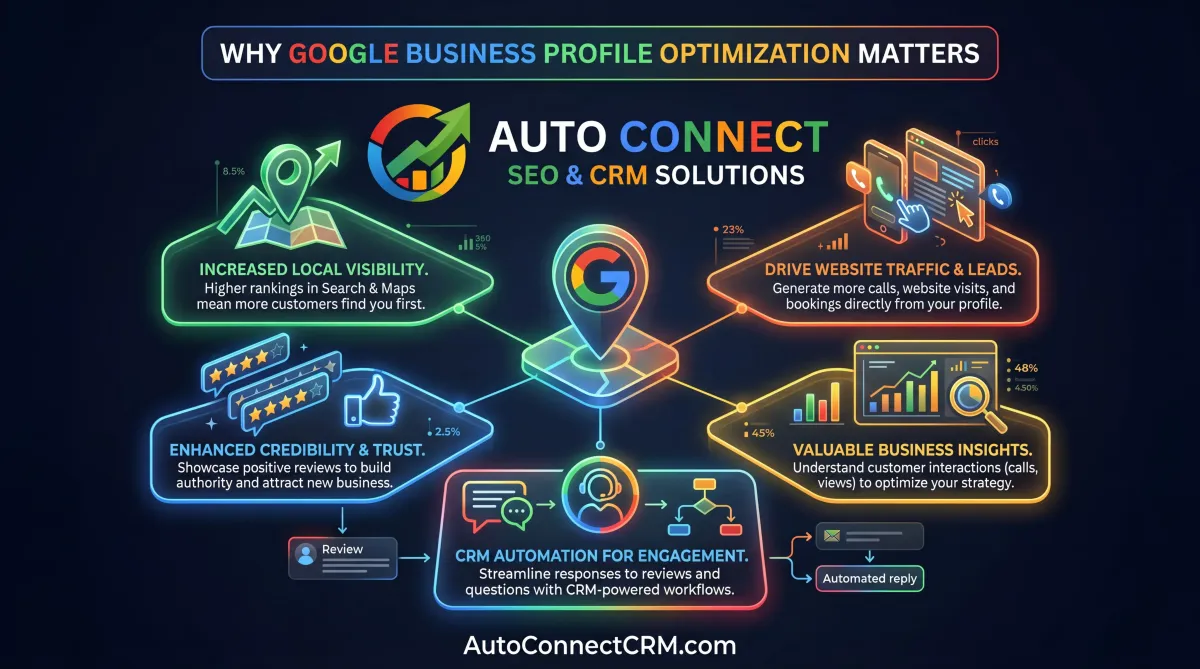
Google Business Profile plays a critical role in local search rankings. When customers search for services nearby, Google frequently shows map results before standard website results.
A strong Google Business Profile optimization guide focuses on improving the signals that Google uses to determine which businesses appear in the Map Pack.
Optimizing your listing helps businesses:
- appear in Google Maps results
- generate more calls and inquiries
- improve local search visibility
- build credibility through reviews
- attract nearby customers
Businesses that follow a structured Google Business Profile optimization guide often experience stronger local rankings and increased lead generation.
How Google Business Profile Rankings Work
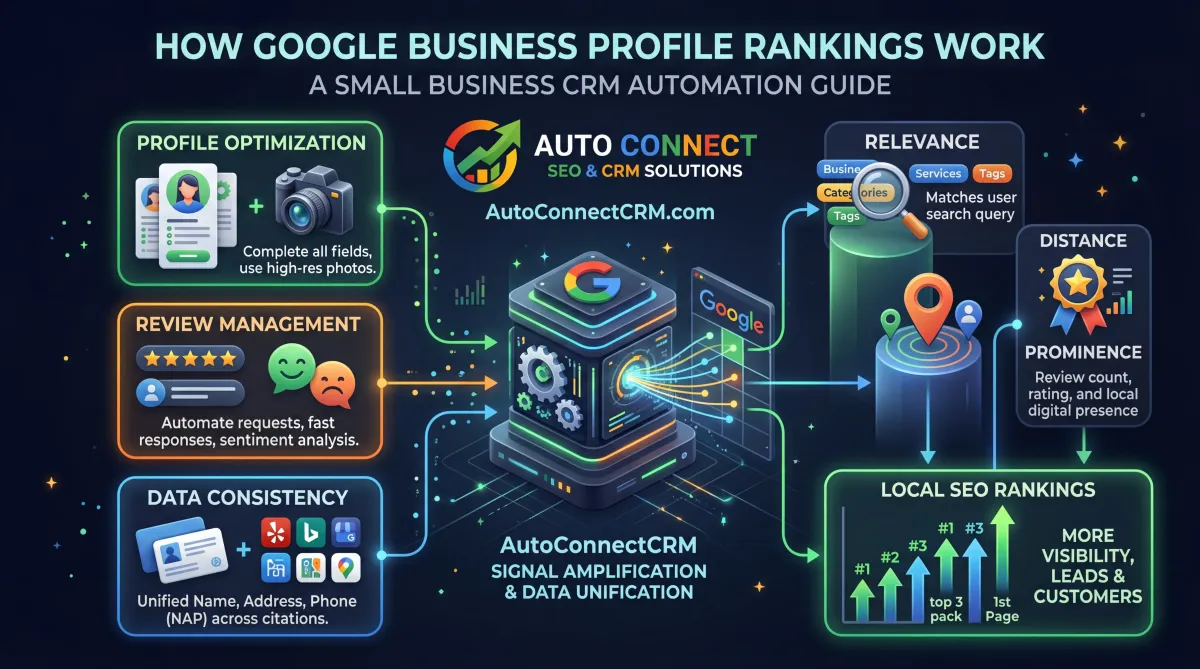
Google uses several signals to determine which businesses appear in local search results. These ranking factors include relevance, distance, and prominence.
A well-structured Google Business Profile optimization guide focuses on improving these signals.
Important ranking factors include:
- accurate business information
- optimized categories and services
- consistent contact information
- customer reviews and engagement
- website and local SEO signals
Businesses that optimize these factors often achieve stronger local search visibility.
Step 1: Complete Your Google Business Profile
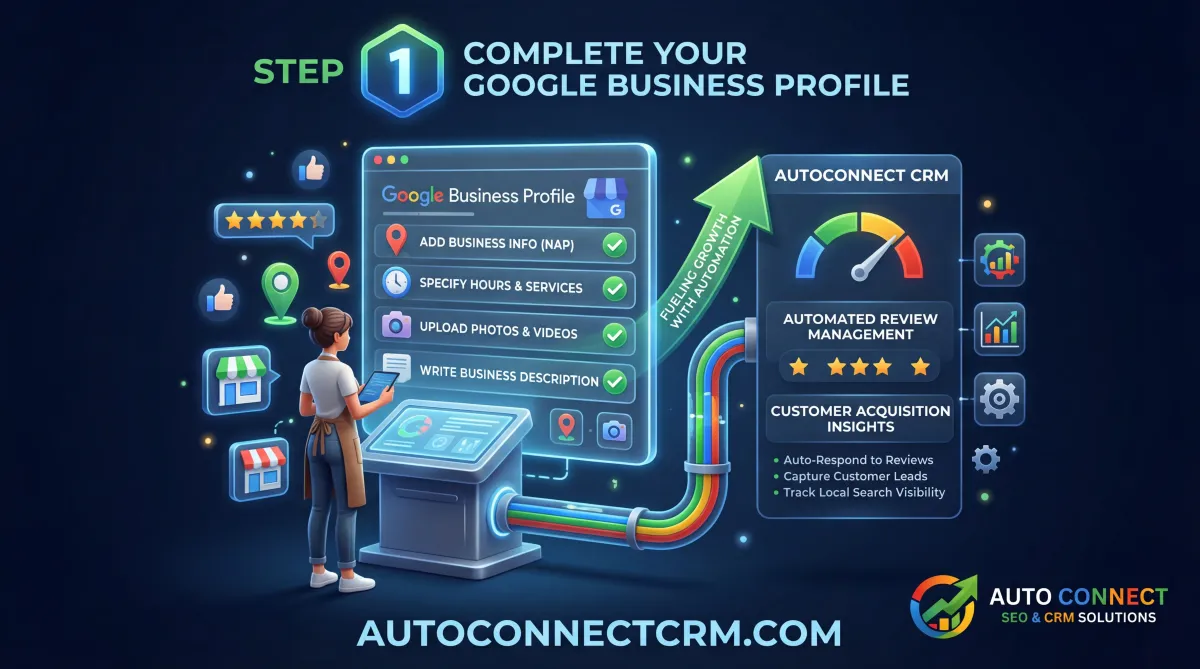
One of the most important steps in any Google Business Profile optimization guide is completing every section of the profile.
Incomplete listings often struggle to rank well in local search results.
Important information to include:
- business name
- address and phone number
- business categories
- services offered
- business description
- operating hours
Completing this information helps Google understand what services your business offers and where you operate.
Step 2: Choose the Correct Business Categories
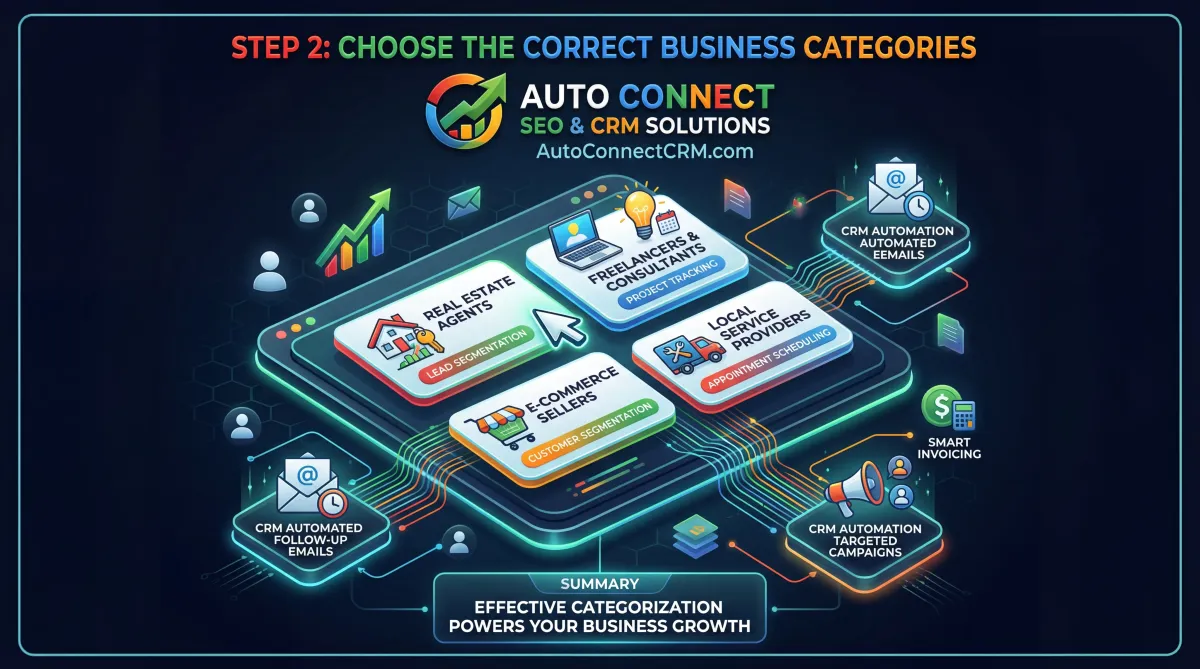
Categories help Google understand what type of business you operate. Choosing the correct primary and secondary categories is essential in a strong Google Business Profile optimization guide.
The primary category should describe the main service your business offers, while secondary categories can describe additional services.
Correct category selection improves the likelihood that your business appears in relevant searches.
Step 3: Add High-Quality Photos
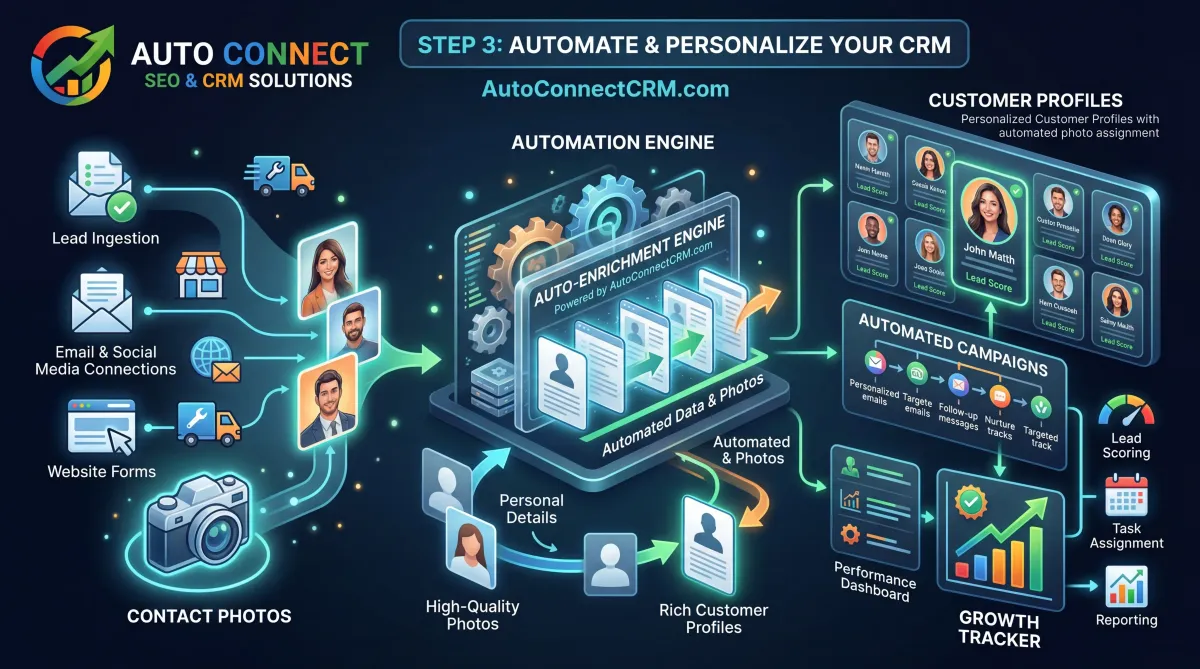
Photos are an important trust signal for both customers and search engines.
A strong Google Business Profile optimization guide recommends uploading high-quality images that showcase your business, services, and team.
Examples of helpful photos include:
- storefront images
- team photos
- service photos
- before-and-after project images
Regularly updating photos shows that the business profile is active and maintained.
Step 4: Encourage Customer Reviews
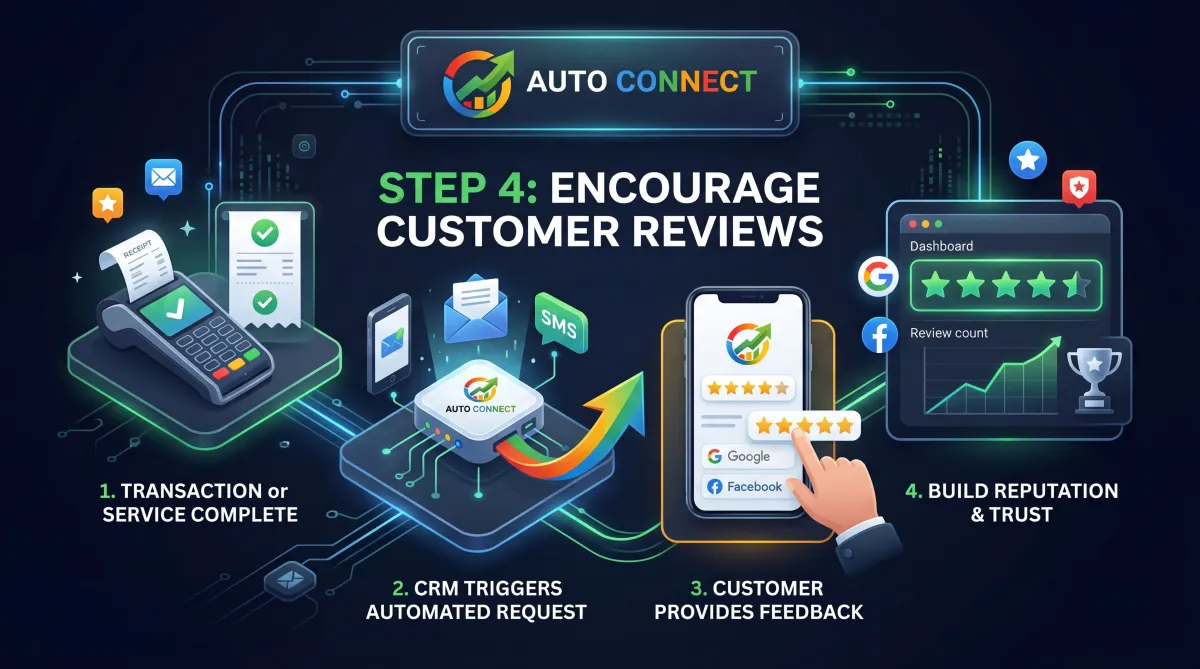
Customer reviews are one of the most powerful ranking signals in Google Maps.
Businesses with strong review profiles often appear higher in local search results.
A practical Google Business Profile optimization guide recommends encouraging satisfied customers to leave reviews after completing services.
Strong review profiles help businesses:
- build trust with potential customers
- improve local search rankings
- increase click-through rates
Responding to reviews also signals engagement and credibility.
Step 5: Post Updates Regularly
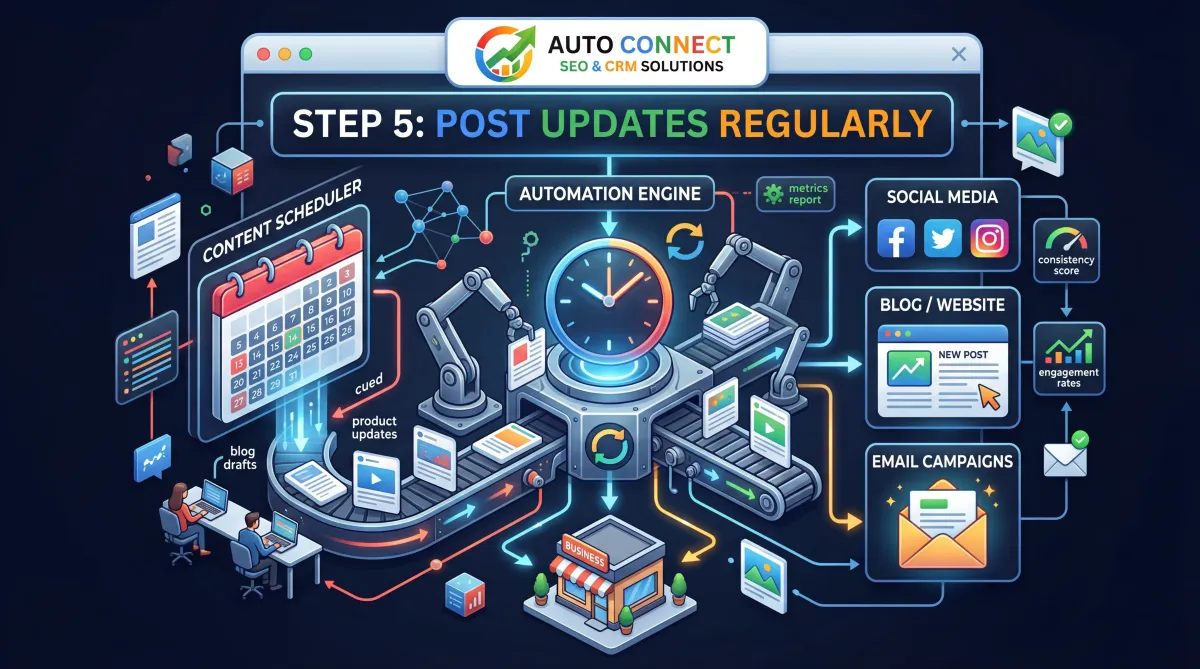
Google Business Profiles allow businesses to publish updates and announcements.
Posting updates regularly helps maintain an active profile and improves engagement signals.
Examples of posts include:
- service updates
- promotions or offers
- project highlights
- business announcements
An effective Google Business Profile optimization guide encourages businesses to publish updates consistently.
Step 6: Optimize Your Website for Local SEO
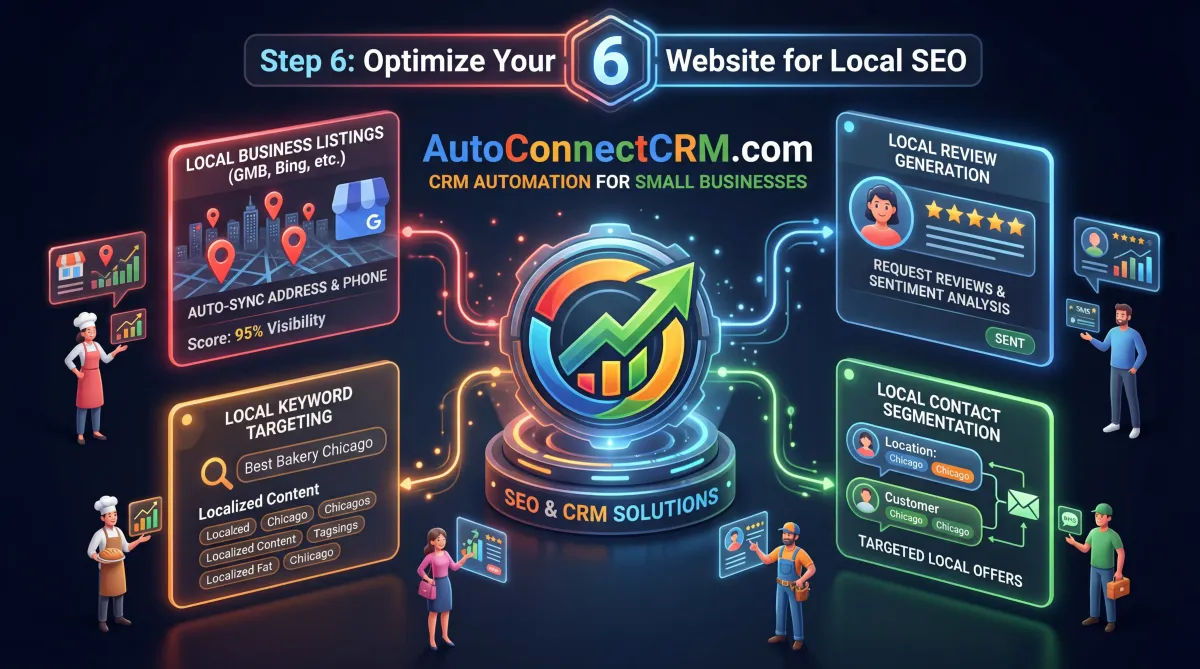
Google Business Profile optimization works best when combined with strong website SEO.
A complete Google Business Profile optimization guide recommends connecting your profile to a well-optimized website that clearly explains your services.
A strong website should include:
- service pages for each offering
- location pages for service areas
- optimized content explaining services
- clear contact forms
These elements help reinforce local relevance signals.
Step 7: Track Leads and Customer Inquiries
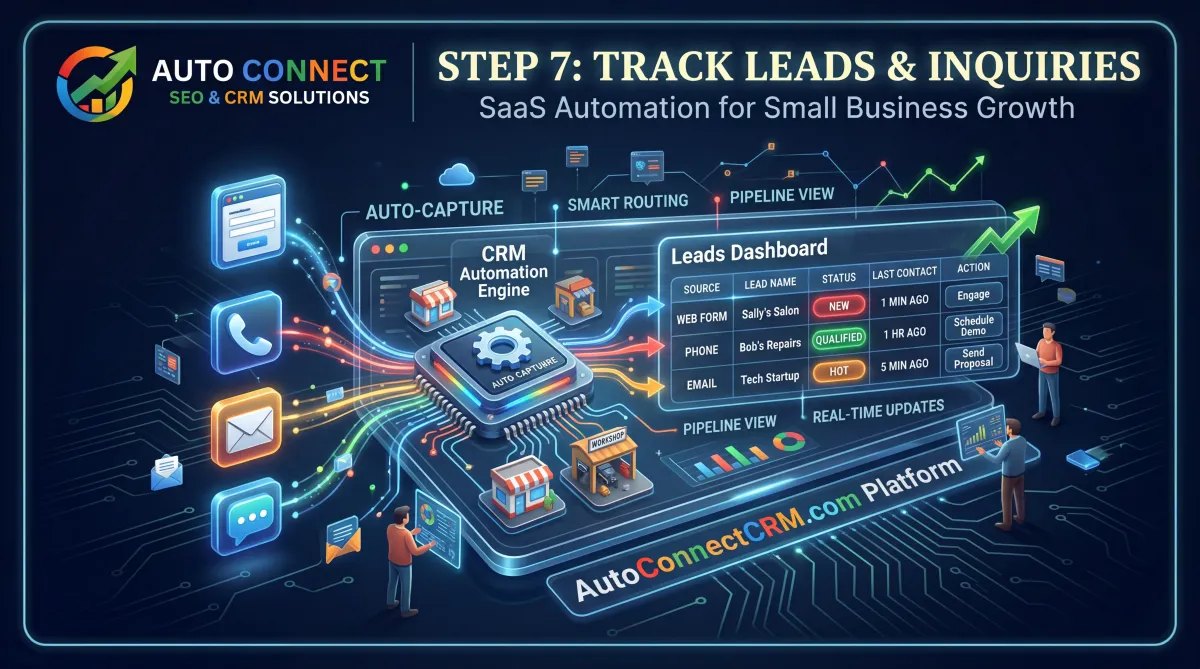
Many businesses receive calls and inquiries through their Google Business Profile but fail to track those leads properly.
A complete Google Business Profile optimization guide recommends implementing lead tracking systems so businesses can manage inquiries efficiently.
CRM tools allow businesses to:
- track incoming calls
- manage customer inquiries
- automate follow-up communication
- improve customer service
Combining Google Business Profile optimization with CRM systems creates a powerful marketing system.
Start Optimizing Your Google Business Profile
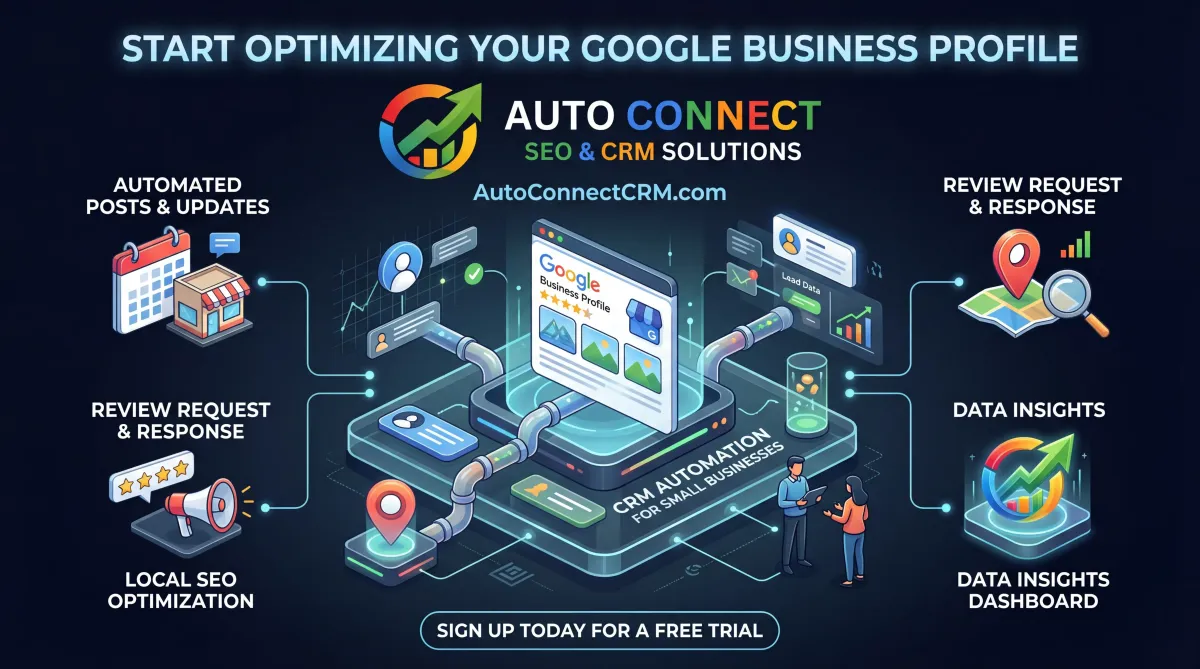
Businesses searching for a Google Business Profile optimization guide are often looking for ways to improve local visibility and generate more leads.
By combining profile optimization, local SEO strategies, and lead management systems, businesses can significantly improve their local search performance.
AutoConnect CRM helps businesses optimize their Google Business Profiles to improve rankings, generate leads, and support long-term digital marketing growth.
Schedule Your Google Business Profile Review
Share your details and a member of the AutoConnect CRM team will walk you through this Google Business Profile optimization guide and your current rankings.

Your information is confidential and used only to prepare your Google Business Profile optimization review.
How Google Business Profile Optimization Generates Leads
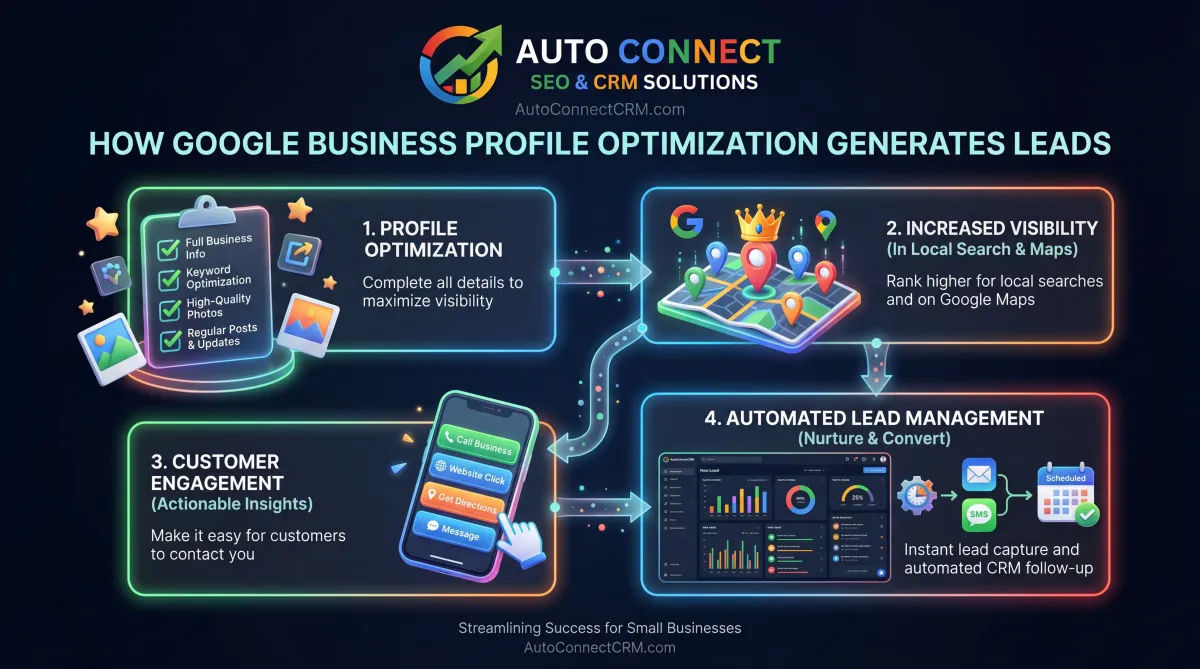
Businesses appearing in the Google Map Pack often receive the majority of local search inquiries.
A well-executed Google Business Profile optimization guide helps businesses generate:
- more phone calls
- more website visits
- more service requests
- stronger brand visibility
Optimizing your Google listing ensures that customers can find and contact your business easily.
Common Google Business Profile Mistakes
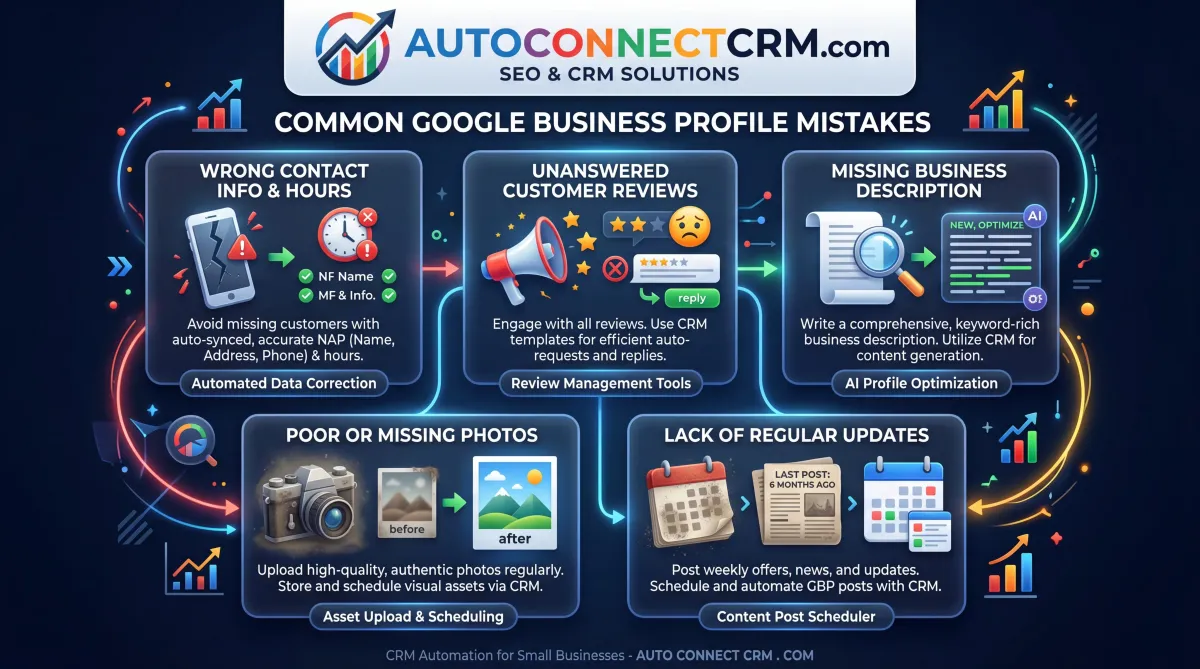
Many businesses create a Google Business Profile but fail to optimize it properly.
Common mistakes include:
- incomplete business profiles
- incorrect categories
- inconsistent contact information
- ignoring customer reviews
- rarely updating profile content
Avoiding these problems is essential when following a Google Business Profile optimization guide.
Frequently Asked Questions About Google Business Profile Optimization
Get clarity on how this Google Business Profile optimization guide translates into real rankings, traffic, and leads for your business.
What is Google Business Profile optimization?
Google Business Profile optimization improves a business listing so it ranks higher in Google Maps and local search results.
Why is Google Business Profile important?
Google Business Profile helps businesses appear in local search results and allows customers to contact them easily.
How long does it take to improve Google Maps rankings?
Results vary depending on competition, but improvements can often be seen within a few months.
Can Google Business Profile generate leads?
Yes. Businesses appearing in Google Maps results often receive more calls and customer inquiries.
Still have questions?
Book a call with AutoConnect CRM and review this Google Business Profile optimization guide in the context of your exact local market and competition.