
CRM Automation Guide
How Businesses Can Use CRM Automation to Manage Leads and Increase Sales
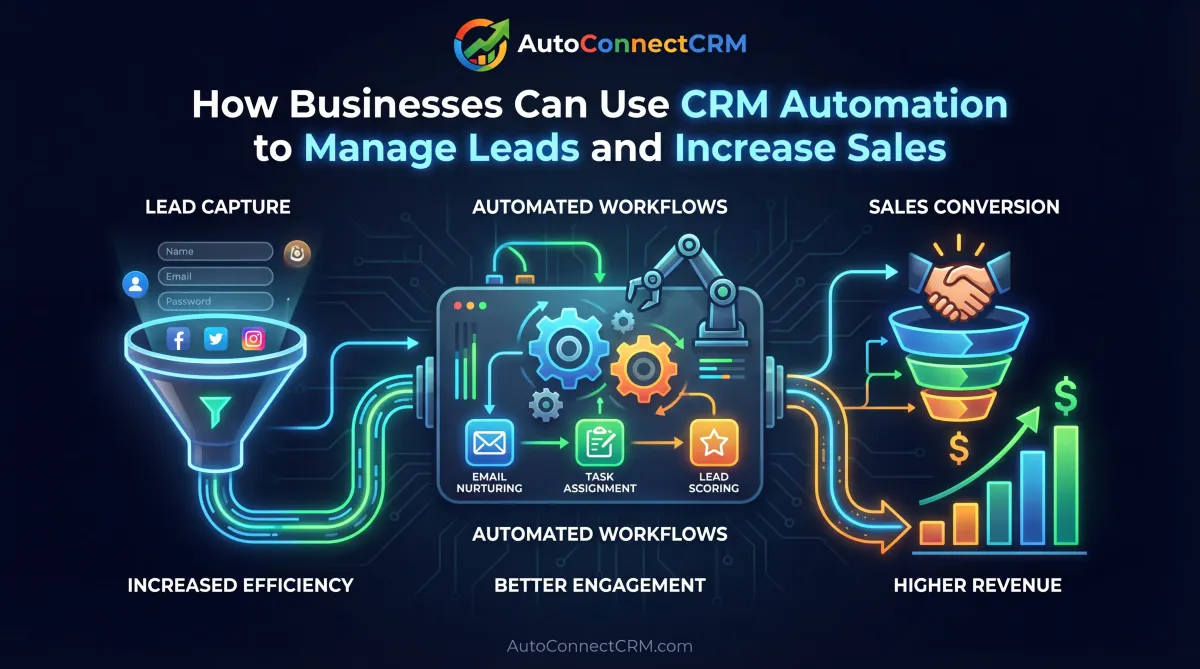
Businesses today receive leads from many different channels including websites, search engines, social media, and paid advertising campaigns. Without proper systems in place, these inquiries can easily become disorganized, delayed, or completely lost.
This is why understanding a complete CRM automation guide is essential for businesses that want to manage leads efficiently and improve customer follow-up. Customer Relationship Management (CRM) automation helps businesses organize incoming leads, track customer interactions, and automate communication processes.
A strong CRM automation guide helps business owners understand how automated systems can streamline operations, improve response times, and convert more leads into customers.
At AutoConnect CRM, we help businesses implement automation systems that track leads, manage communication, and generate consistent growth.
Why CRM Automation Matters
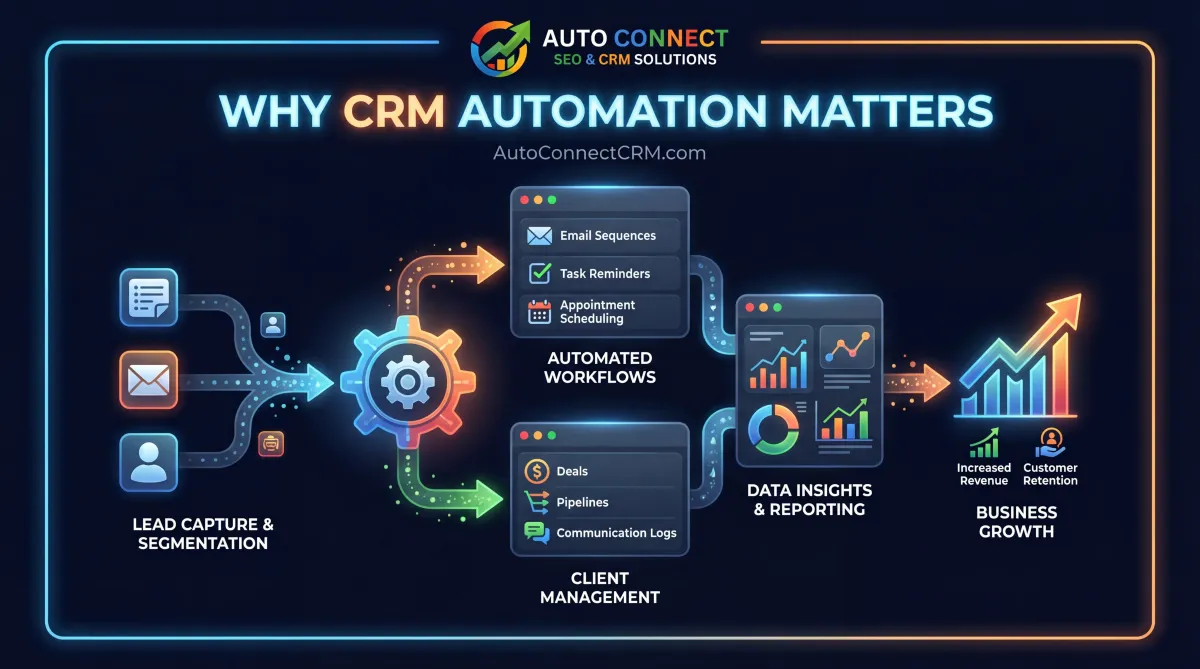
Many businesses lose potential customers simply because they fail to respond quickly to inquiries or properly track customer communication.
A well-designed CRM automation guide explains how automation systems allow businesses to capture and manage leads effectively.
CRM automation helps businesses:
- organize incoming leads
- automate follow-up communication
- track customer interactions
- improve sales pipelines
- increase conversion rates
Businesses implementing automation often improve their efficiency while generating more consistent sales opportunities.
How CRM Automation Works
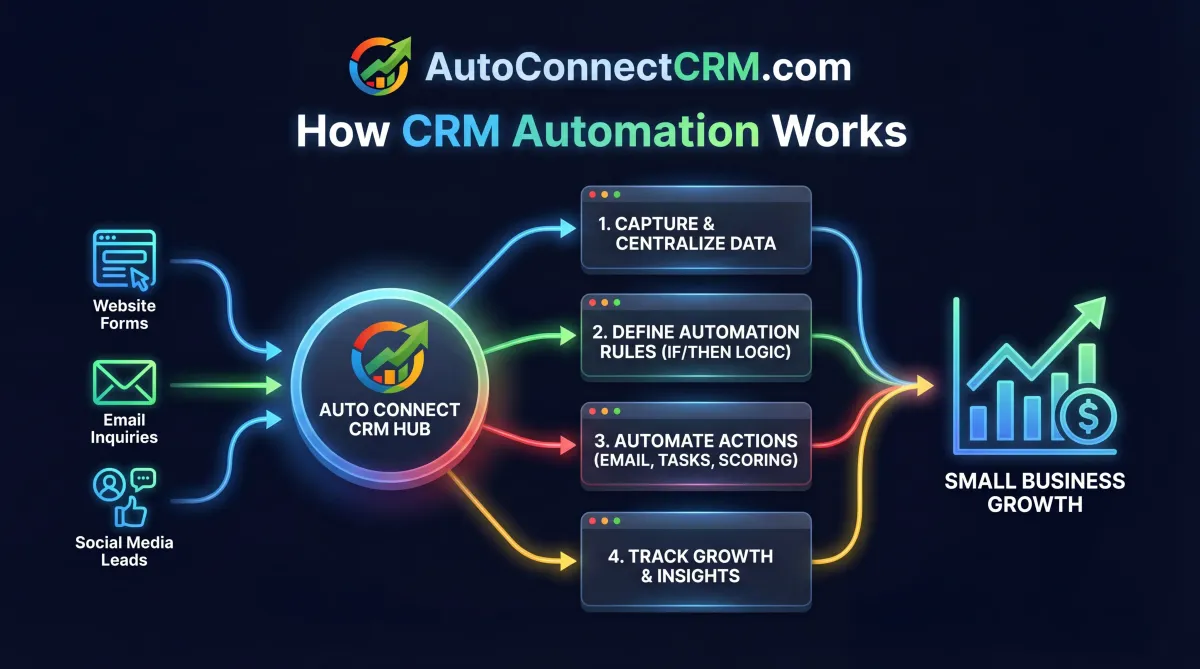
CRM automation connects multiple marketing channels into one centralized system. Leads coming from websites, search engines, forms, or advertising campaigns are automatically captured and stored in a database.
A strong CRM automation guide explains how automation tools allow businesses to manage these leads without manual data entry.
Automation systems typically include:
- automated lead capture
- lead tracking and categorization
- automated email or SMS responses
- sales pipeline management
- customer follow-up reminders
These features help businesses ensure that no potential lead is overlooked.
Step 1: Capture Leads Automatically
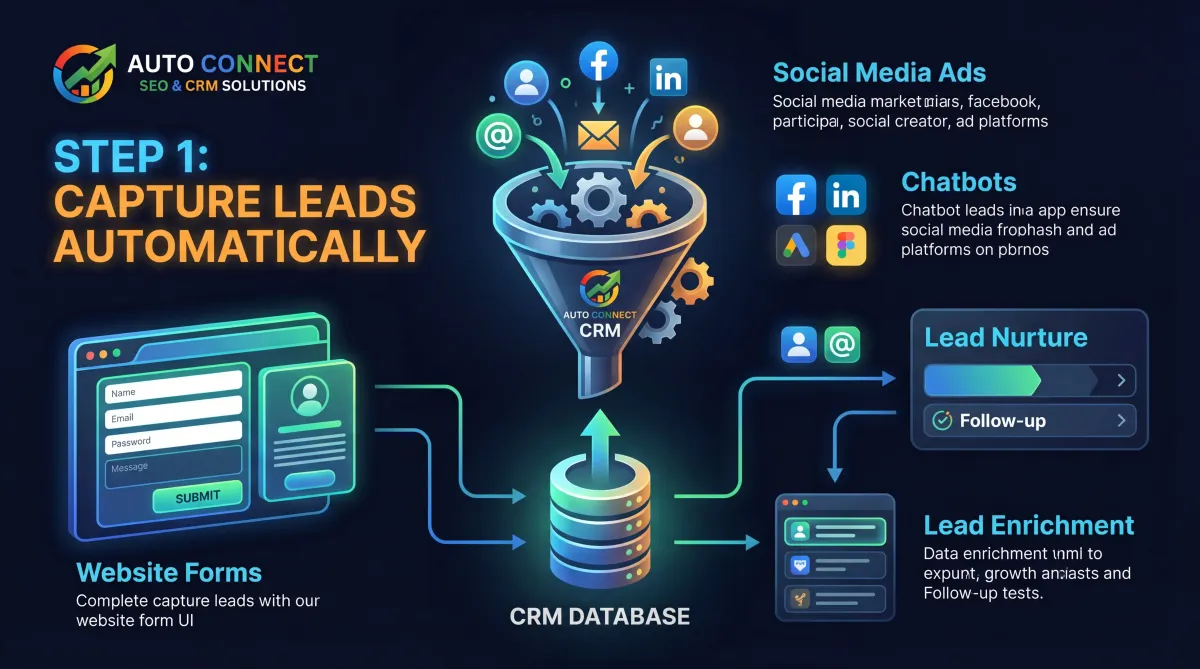
One of the most important steps in any CRM automation guide is ensuring that all incoming leads are captured automatically.
Businesses receive inquiries through various sources including:
- website contact forms
- landing pages
- appointment booking forms
- phone calls
- online chat systems
CRM systems automatically store these inquiries in a centralized database, allowing businesses to track every lead.
Step 2: Organize Leads into Pipelines
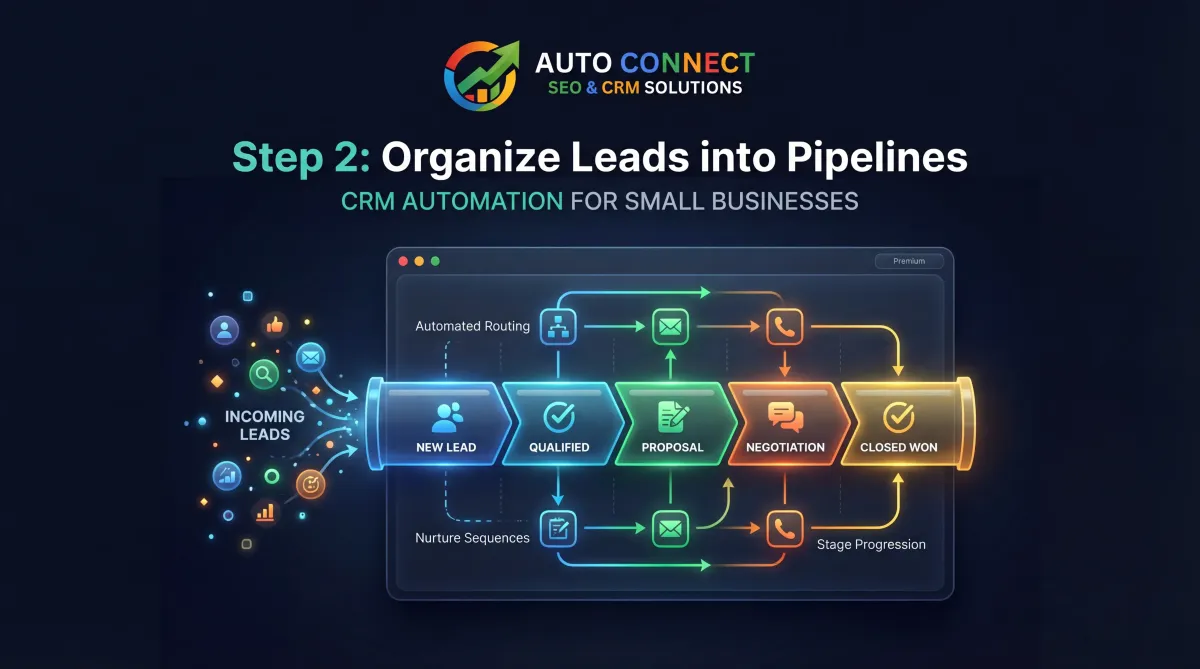
A CRM system allows businesses to organize leads into sales pipelines. Pipelines represent different stages of the customer journey, such as new inquiries, consultations, proposals, and closed deals.
A well-structured CRM automation guide explains how pipelines help businesses manage customer relationships more effectively.
Typical pipeline stages include:
- new lead
- contacted lead
- consultation scheduled
- proposal sent
- deal closed
This structure allows businesses to track progress and identify opportunities.
Step 3: Automate Customer Follow-Up
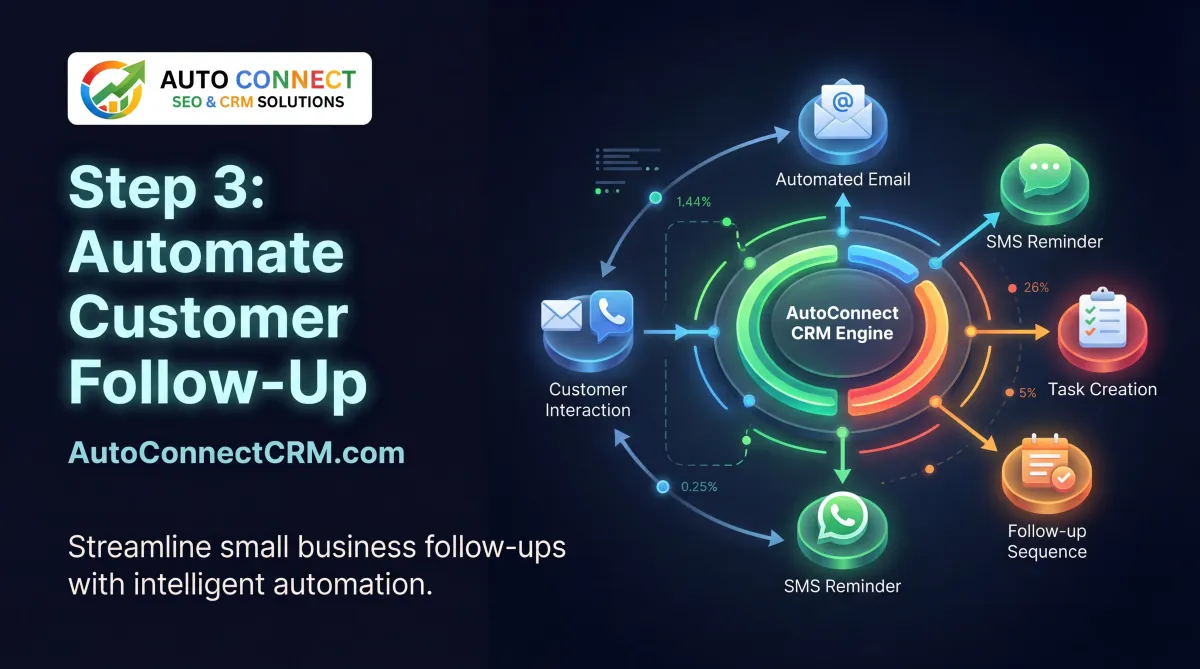
One of the most powerful features of CRM systems is automated follow-up communication.
A complete CRM automation guide recommends automating responses so businesses can respond instantly to new inquiries.
Examples of automated communication include:
- welcome emails
- appointment confirmations
- follow-up reminders
- service updates
Automation ensures that every lead receives timely communication.
Step 4: Track Customer Interactions
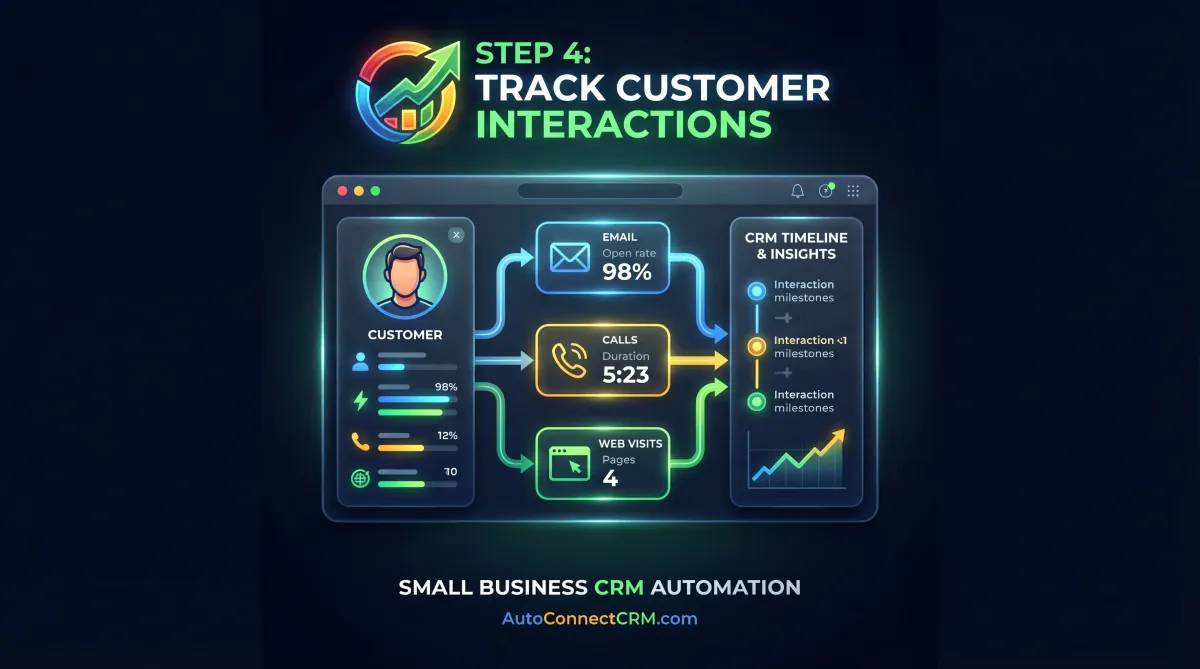
CRM systems record every interaction with customers, including calls, emails, and messages.
A strong CRM automation guide highlights the importance of tracking these interactions so businesses can maintain organized customer records.
Tracking communication helps businesses:
- maintain detailed customer histories
- personalize follow-up messages
- improve customer relationships
This information allows businesses to better understand their customers and improve service quality.
Step 5: Integrate Marketing Systems
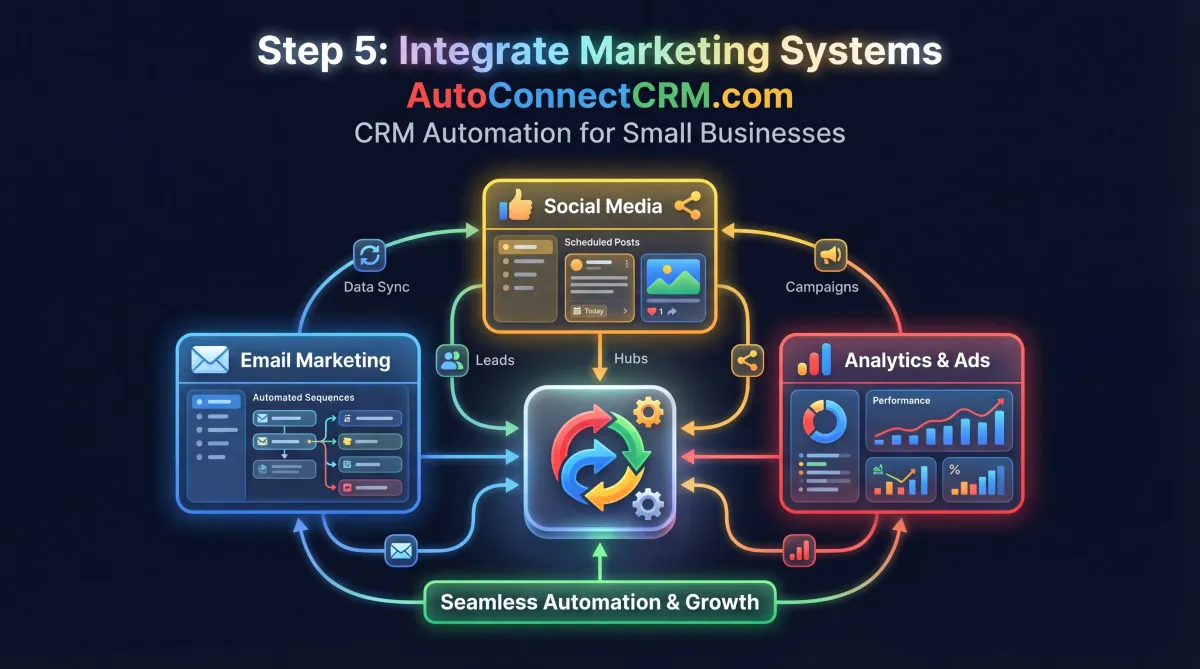
CRM automation works best when connected with marketing systems such as websites, email marketing platforms, and lead generation tools.
A complete CRM automation guide recommends integrating these systems to create a fully automated marketing process.
Integration allows businesses to:
- capture website leads automatically
- send automated marketing campaigns
- track customer behavior
- analyze marketing performance
These integrations create a powerful marketing ecosystem.
Step 6: Improve Lead Conversion
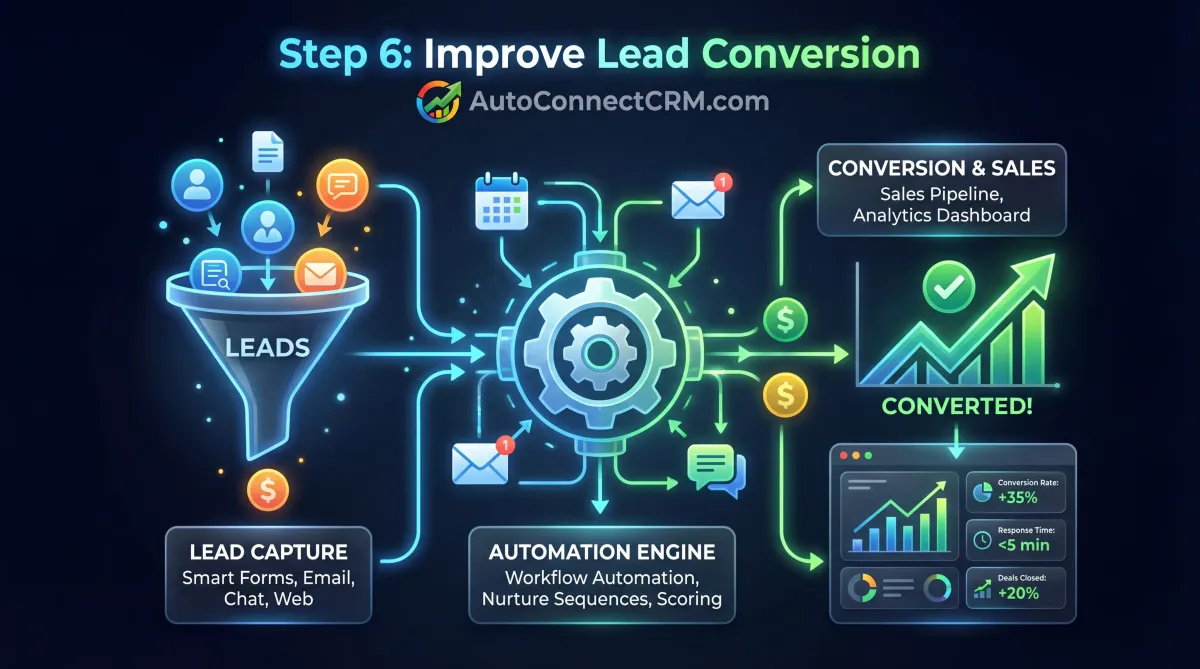
Businesses often generate leads but fail to convert them into customers because follow-up is inconsistent.
A practical CRM automation guide explains how automation improves lead conversion rates by ensuring that every inquiry receives a response.
Automated systems help businesses:
- respond faster to leads
- send consistent follow-up messages
- track customer interest
- improve sales conversion
Businesses using CRM automation often convert more leads into paying customers.
Step 7: Measure Marketing Performance
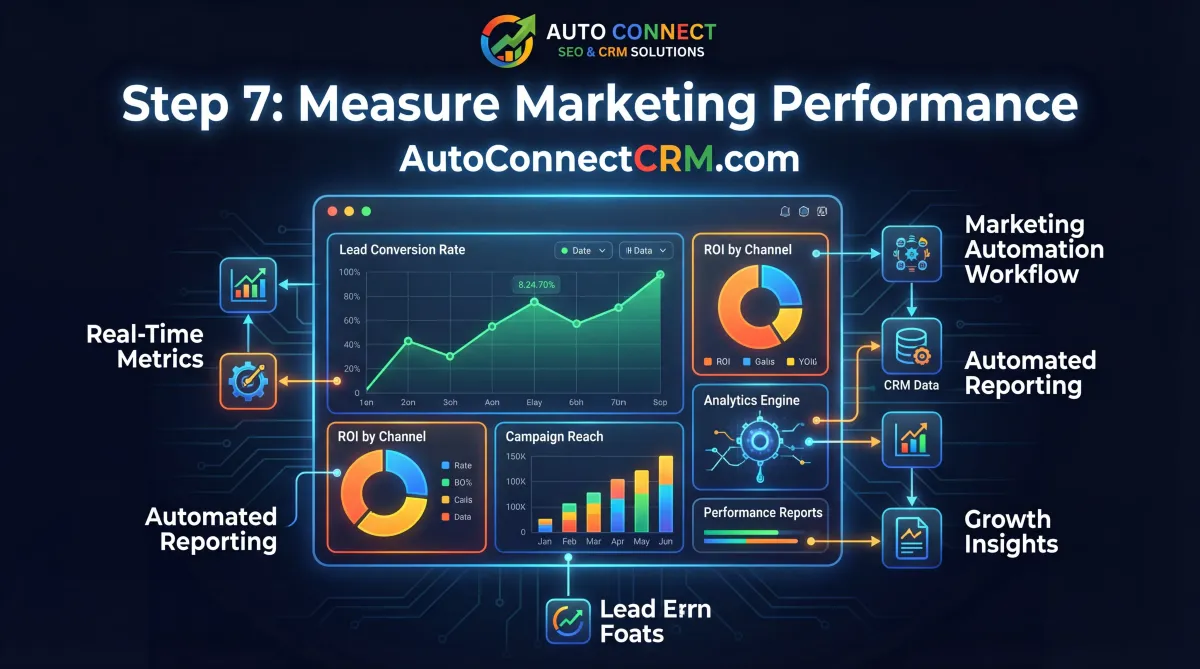
CRM systems provide valuable data about marketing performance and lead sources.
A strong CRM automation guide explains how businesses can analyze data to understand which marketing channels generate the best results.
CRM analytics help businesses track:
- lead sources
- conversion rates
- marketing campaign performance
- sales pipeline progress
This data allows businesses to improve their marketing strategies.
How CRM Automation Supports Business Growth
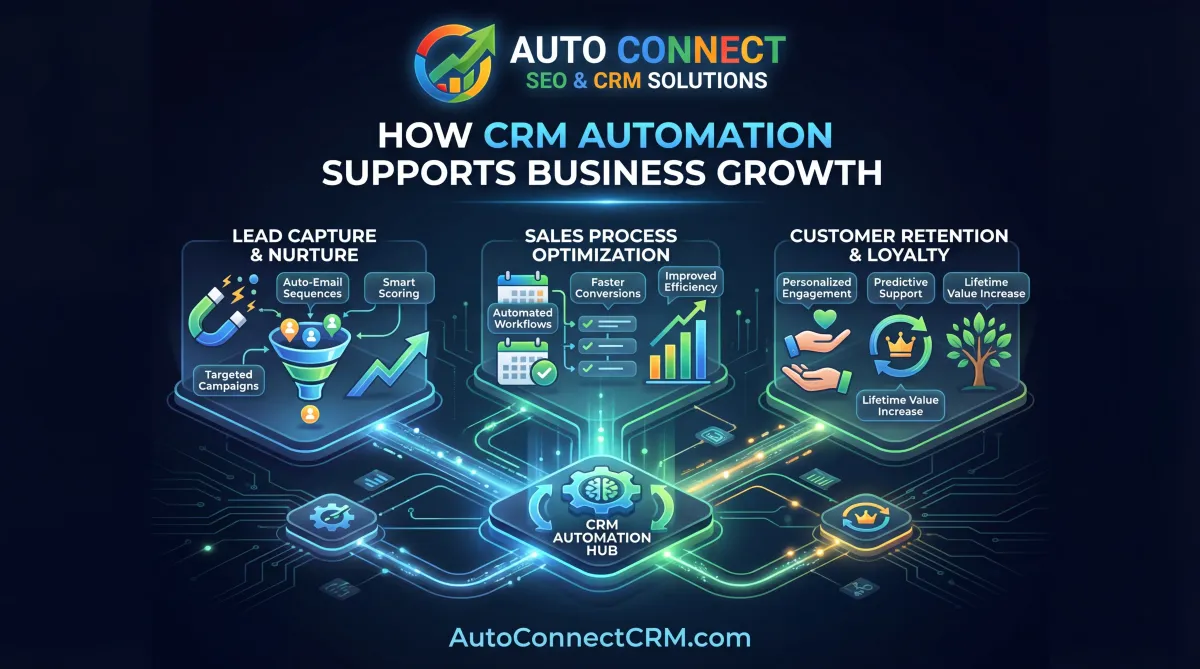
CRM automation plays a critical role in modern marketing and sales systems. Businesses that implement automation often experience improved efficiency and stronger customer relationships.
Companies that follow a structured CRM automation guide often achieve:
- faster lead response times
- improved customer communication
- higher conversion rates
- stronger sales pipelines
Automation allows businesses to focus on growth rather than manual administrative tasks.
Common CRM Automation Mistakes
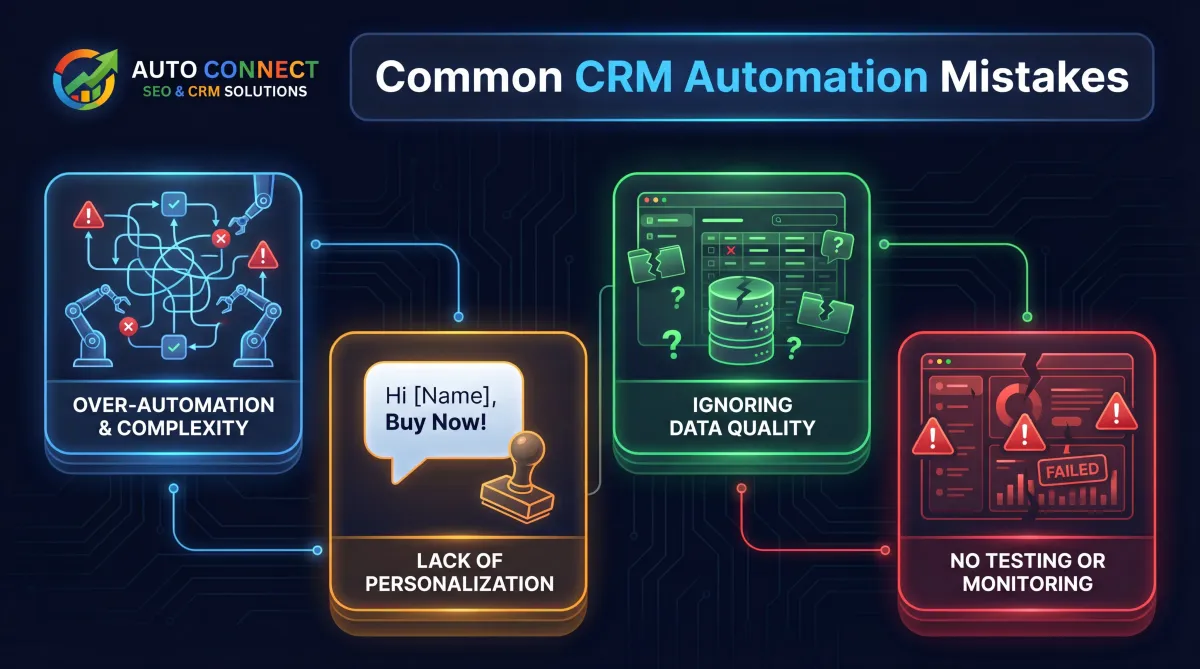
Many businesses attempt automation but fail to implement systems correctly.
Common mistakes include:
- failing to track all leads
- using overly complex pipelines
- not automating follow-up communication
- ignoring lead tracking data
Avoiding these mistakes is essential when implementing strategies from a CRM automation guide.
Start Implementing CRM Automation
Businesses searching for a CRM automation guide are often looking for ways to improve lead management and customer communication.
By combining lead capture systems, automated follow-up processes, and data tracking tools, businesses can build marketing systems that generate consistent growth.
AutoConnect CRM helps businesses implement automation systems that track leads, improve communication, and increase sales performance.
Frequently Asked Questions About CRM Automation
What is CRM automation?
CRM automation uses software to track leads, manage customer relationships, and automate communication.
Why is CRM automation important?
Automation helps businesses respond faster to leads and manage customer interactions more efficiently.
Can CRM automation increase sales?
Yes. Businesses that automate lead management often improve their conversion rates and customer engagement.
How long does it take to implement CRM automation?
Most CRM systems can be implemented quickly depending on the complexity of the business processes.